Digital Literacy
Basa Basi Mitsy: Free Browser Tools I Use for Lesson Prep
The free, no-sign-up browser tools I use to merge worksheets, make QR codes, shrink photos and practise Indonesian numbers in words, without uploading student work.
Every term starts the same way. I sit at the kitchen table, one cat on the keyboard and the other judging me from the windowsill, trying to turn a pile of scanned worksheets, photos of whiteboard notes and half-finished slides into something my Year 9s will actually open. For years that meant installing dodgy converters or uploading files to whatever site came up first. Lately I have settled on a small set of free browser tools that do the job without accounts, and — this matters to me — without sending student work anywhere.
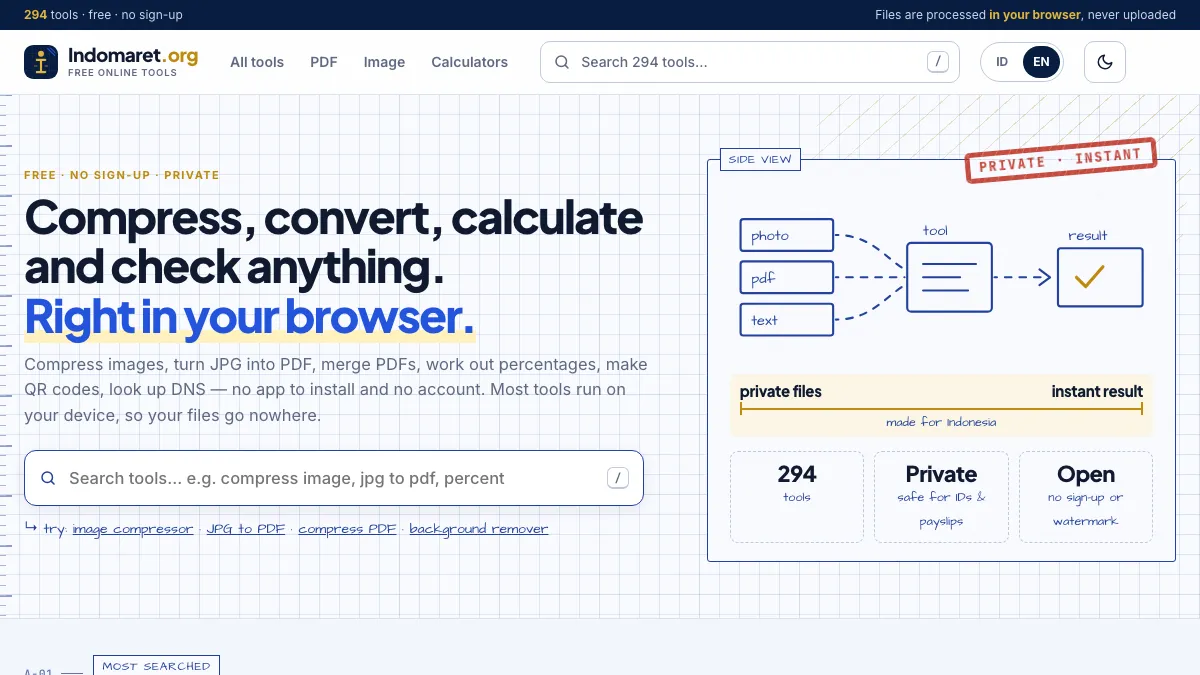
Most of them live on one site: Indomaret.org , a collection of 294 free tools in Indonesian and English. Its PDF, image and text tools run inside the browser, so a worksheet with student names never leaves my laptop. Here is how I actually use them.
1. Gabung PDF: one worksheet pack, not seven files
Students lose attachments. If I post seven separate PDFs for a History unit, I guarantee three kids will “never get” the source analysis sheet. So I merge everything — task sheet, primary sources, rubric — into one PDF and post that. The merge tool keeps the text selectable, which matters for students using screen readers or translation tools.
When a pack gets too heavy for the school portal, the PDF compressor shrinks scanned pages, which are usually the culprit.
2. QR codes on the board
For Bahasa Indonesia, I often send students to a listening clip, a vocabulary quiz or a shared doc. Typing a long URL on 28 laptops wastes ten minutes. A QR code generator solves it: paste the link, project the code, phones out, done. It exports PNG or SVG without a watermark, so the code stays crisp on a printed handout too.
Tip dari pengalaman: test the QR from the back row before class. Projectors wash out thin codes, so choose a larger size.
3. Terbilang: numbers into Indonesian words
This one is my favourite for language teaching. Indonesian numbers trip up my students — seribu versus satu ribu, sebelas, seratus, and the long chains like dua ratus lima puluh ribu. The terbilang rupiah tool turns any number into Indonesian words, for example 1.250.000 becomes satu juta dua ratus lima puluh ribu rupiah.
How I use it in class:
| Activity | Setup | What students practise |
|---|---|---|
| Dikte angka | I read the words aloud, students write the digits | Listening, number structure |
| Pasar pura-pura | Price tags in digits, students say the price | Speaking, rupiah amounts |
| Cek sendiri | Students write the words, then check with the tool | Spelling, self-correction |
Because the tool also handles English, it doubles as a quick check when students translate prices for a shopping role-play.
4. Shrinking photos for the class blog
Phone photos of student posters are huge, and our class blog chokes on them. An image compressor brings them down to a sensible size before upload. I also crop out faces or use a blur tool before anything goes online — the school’s photo consent list is short, and I would rather be careful.
5. Small helpers I did not expect to use
- Word counter for essay limits, so I stop arguing about whether 412 words counts as “about 400”.
- Age calculator for History warm-ups (“how old would Kartini be today?”).
- Pas foto maker for the Indonesian exchange forms that still ask for a 3×4 photo with a red or blue background.
Why browser-based matters for teachers
Teachers handle a surprising amount of personal data: names, grades, behaviour notes, photos. Uploading that to an unknown server is the kind of thing that ends up in a privacy incident report. A tool that processes files in the browser is not magic, but it removes the biggest risk. If you want to check, open your browser’s developer tools, watch the Network tab while you run the tool, and see that your file is not being sent anywhere.
Penutup
None of this replaces good teaching. It just removes the friction between “I have a great idea for tomorrow” and “the worksheet is ready”. Fewer installs, fewer logins, and fewer worries about where student work ends up — that is a trade I will take every term. Now, if only there were a tool to stop the cat from sitting on the marking pile.
Pertanyaan yang sering diajukan
Why should teachers avoid upload-based file tools?
Apa alat paling berguna untuk guru Bahasa Indonesia?
Do I need an account to use these tools?
Can students use them on their phones?